Invoices
xRocket invoices enable a straightforward method to receive payments from your Telegram contacts.
You can create invoices to receive single or multiple payment(s) via xRocket or to a blockchain address.
Single invoices accept one payment and are ideal for one-time transactions. Multi invoices accept multiple payments from different users, useful for fundraising or group collections.
How to create an xRocket invoice?
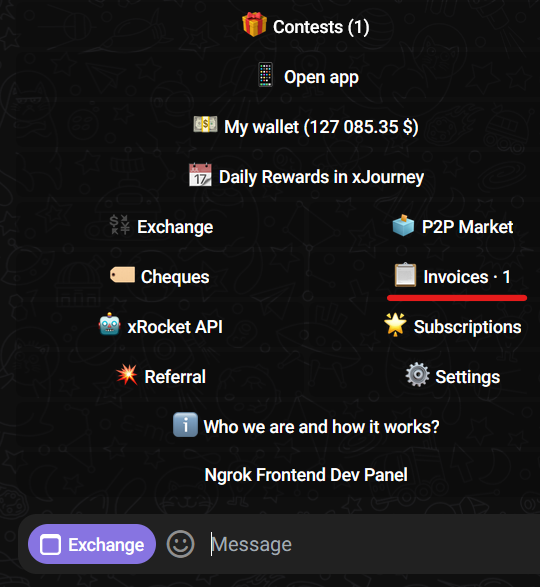
- In the bot main menu, tap Invoices. You will be able to see the number of invoices that you have already created.
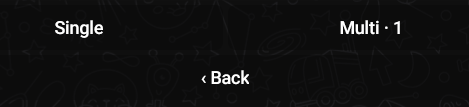
- Select Single or Multi. You will be able to see the number of Single and Multi invoices that you have already created.
- Select an asset and specify an amount. For multi invoices, you can limit the maximum payment amount and number of payments or make it unlimited (set it to “No limit”).
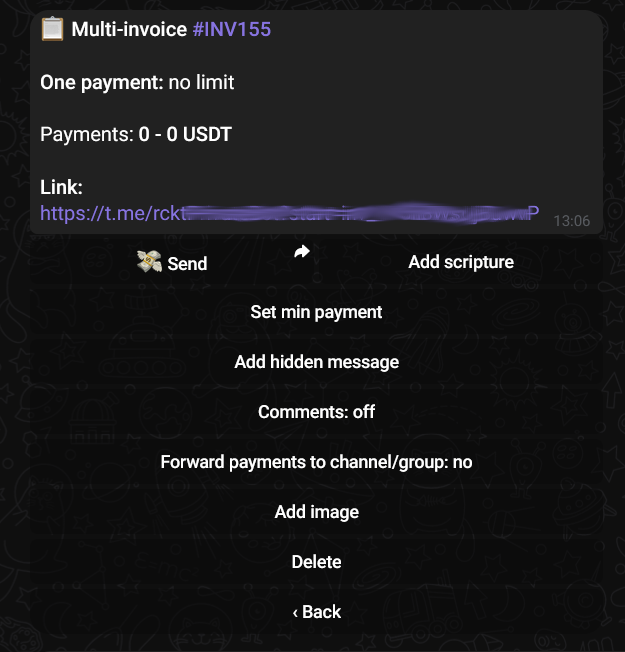
You can optionally:
- Set min payment amount;
- Add image and a description (Add scripture) that will be visible to users before a payment;
- Add hidden message that will be displayed to users who made a payment.
Use Add image and Add scripture to brand your invoice and provide context to payers. A hidden message is a great way to deliver content or confirmation details after payment.
How to share and pay an xRocket invoice?
- Open an existing invoice or create a new one, as described above.
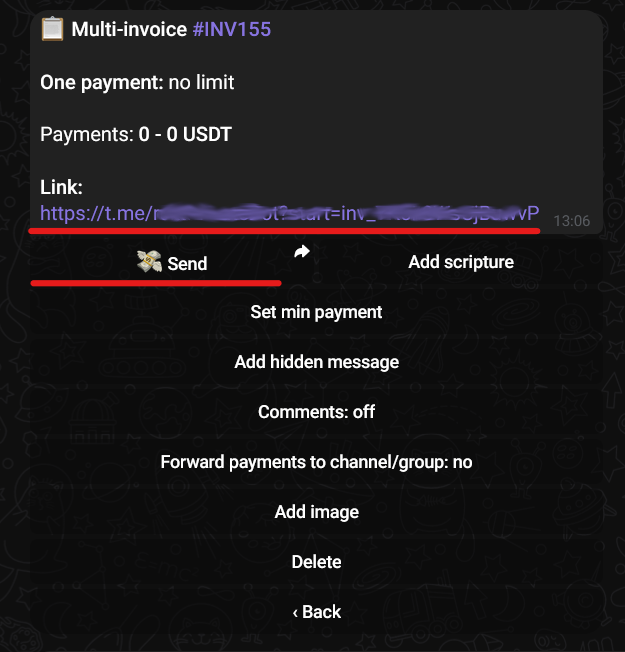
- Tap Send or share the provided link to the user(s) to pay your invoice.
When opening your link, the user(s) will see your invoice in the following format:
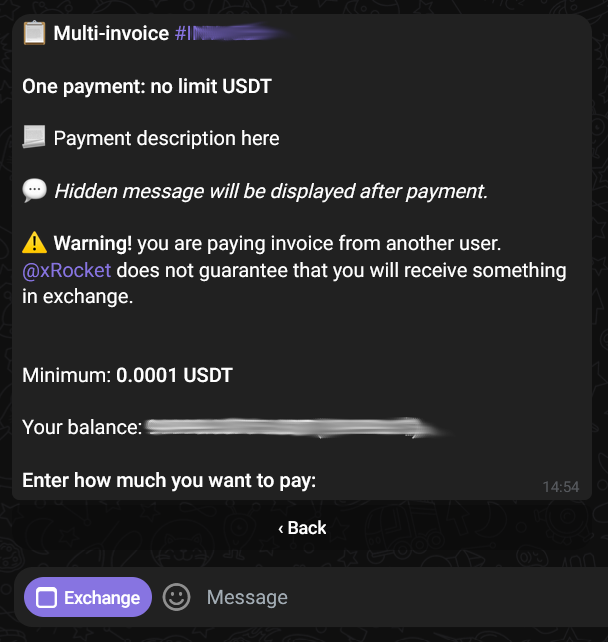
- The user (payer) will be asked to input the amount, select number of payments and a payment method (to xRocket wallet or to a corresponding blockchain address).
- When the user completes the payment(s), the creator of the invoice will receive it to xRocket wallet.
Payments to invoices are final and cannot be reversed. Make sure the invoice details (asset, amount) are correct before sharing it.